8 reasons why most LinkedIn campaigns fail before they even start
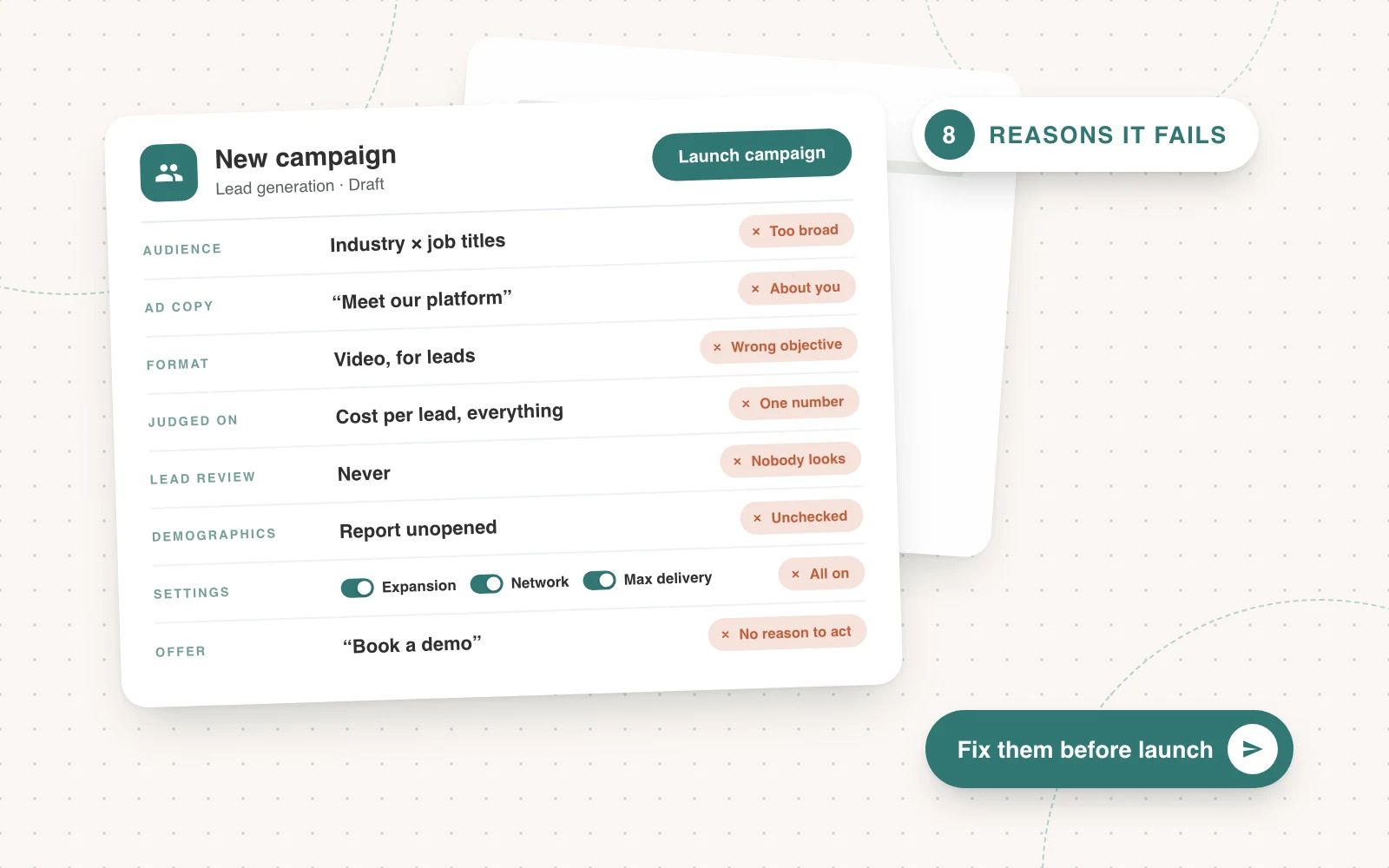
Most LinkedIn campaigns fail before they even start: the audience is too broad, the ad is about you, and every campaign is judged on one number.

The short answer
Most LinkedIn ads fail because of decisions made before anyone opens a design file. The audience is too broad, the ad talks about the product instead of the buyer's problem, and every campaign gets judged on the same number.
New visuals won't fix any of that. When an account we take over is struggling, these are the things we change first.
The audience is too broad
LinkedIn will happily let you target ‘Directors in Finance’ and charge you to reach all of them, including people at companies that are too small, in the wrong market, or would never buy.
We build audiences from two layers: the company and the person. The company layer is a target account list wherever we can get one. The person layer is job titles or job functions.
Put them together and you get the two audiences we run most, ABM x job titles and ABM x function.
Industry x job titles is the one we avoid. Without an account list behind it, it's too broad to be worth the money.
- Build the account list from your closed-won deals, not a slide about your ideal customer.
- Turn off Audience Expansion and the LinkedIn Audience Network, which push your ads beyond the list.
- Exclude existing customers, competitors and your own staff from prospecting.
A tighter audience costs more per impression. It costs far less per meeting, and meetings are the number that matters.
The ad is about you, not the buyer
Nobody scrolls LinkedIn looking for a feature list. They're thinking about whatever went wrong at work this week. An ad that opens with the product asks them to join the dots themselves, and most won't bother.
So we open with a problem and give the solution in the next sentence. Before we write a single ad, we write the client's story: the problems their customers have, what happens if they do nothing, what's blocking them, the proof and the product. Every ad comes out of that.
Open with a problem, then provide a solution in the next sentence.
Each ad also gets one job. A problem ad hits the pain they feel today, a product ad shows how the product solves it and a conversion ad gives a reason to act now.
Cram all three into one ad and it does none of them well.
Using the wrong format for the wrong objective
LinkedIn gives you image ads, video, documents, thought leader ads and conversation ads. Plenty of accounts pick one and run it for everything, then wonder why the video campaign never books a meeting. Each format is built for a different objective.
Match the format to the objective, then judge it on that objective. Which is the next mistake.
Judging everything on cost per lead
Judge an awareness campaign on cost per lead and it will always look like a failure. Someone switches it off, and a few months later the demo campaigns run dry because nobody knows who you are.
We split budgets into groups and give each group its own number. Awareness is judged on click-through rate, thought leader ads on engagement rate and demos on cost per lead.
The best ads in each group get more budget. The worst go on what we call the naughty list and get paused.
Tracking an image ad all the way to pipeline is hard. Most of the people it reached never clicked, so your CRM can't see them. Tools such as Fibbler match the companies your ads were shown to against the deals you closed, so you can see the overall impact the ads had on closing deals, even when nobody filled in a form.
Nobody looks at the leads
The next mistake is never checking who actually came through. Every week we mark each lead as good, unsure or bad, and we ask the client to do the same.
The bad ones tell you what to exclude: job titles that never turn into pipeline, and companies you don't want to pay for again. The good ones you track down the funnel, to see which ones turn into meetings, opportunities and closed deals.
Then you adjust the targeting to match who's coming through. More of the audiences that produce good leads, less of the ones that don't.
Nobody looks at the demographics report
Every campaign in LinkedIn has a demographics report. It breaks down who has actually seen your ads: industries, company sizes, job titles, seniority, companies and more. Most accounts never open it.
It's the quickest way to find out whether the spend went where the targeting said it would. If a campaign aimed at Directors is mostly reaching Managers, or half the impressions went to companies with ten staff, you fix the targeting, not the creative.
You can take the same look at any audience you've saved and see its makeup before it goes live. So check it before a campaign launches, and keep checking it. This is something to optimise against continually, not once.
Having the stupid settings turned on
LinkedIn turns a few settings on by default that help LinkedIn more than they help you. Each one wastes money in its own way.
- Audience expansion adds people LinkedIn thinks look like your audience. They aren't on your account list, so your budget goes to companies you'd never sell to.
- The LinkedIn Audience Network shows your ads on third-party apps and sites. You pay LinkedIn prices for cheap placements, with the worst engagement and clicks from people who never saw a feed.
- Maximum delivery hands your bids to LinkedIn, which spends the full budget at whatever CPM it likes. A manual bid, set low and raised slowly, usually buys the same reach for less.
Turn all three off in every campaign, every time.
Not saying anything meaningful enough to get a conversion
‘Book a demo’ is not an offer. It asks a stranger to give up half an hour with a salesperson and get nothing certain in return. Most people won't, however good the ad.
A conversion happens when the value is obvious and the risk is low. So every conversion ad needs an offer that does both: give them something, and make saying yes easy. Incentives work, and these are the ones that work best.
- Free trials, so they can use the product before they talk to anyone.
- Product offers: a discount, extra seats or a longer term for signing now.
- Zero-risk guarantees, so the risk sits with you rather than them.
- A free consultation, audit or analysis that takes little effort on their side. You do the work, they get something useful whether they buy or not.
Whatever you pick, say in the ad why they should take it. Give them a reason, not just a button.
The takeaway
Fix the audience, open with the problem, match the format to the objective and judge each budget group on its own number. Check who's actually coming through, turn the default settings off and give people a real reason to convert. Then the creative finally gets a fair chance to work.
In this article
- The short answer
- The audience is too broad
- The ad is about you, not the buyer
- Using the wrong format for the wrong objective
- Judging everything on cost per lead
- Nobody looks at the leads
- Nobody looks at the demographics report
- Having the stupid settings turned on
- Not saying anything meaningful enough to get a conversion
- The takeaway
- Drive More Meetings
- Increase Pipeline
- Strategies That Work
We run LinkedIn and Google Ads for B2B brands, and we’re good at it.

More articles
Back to blog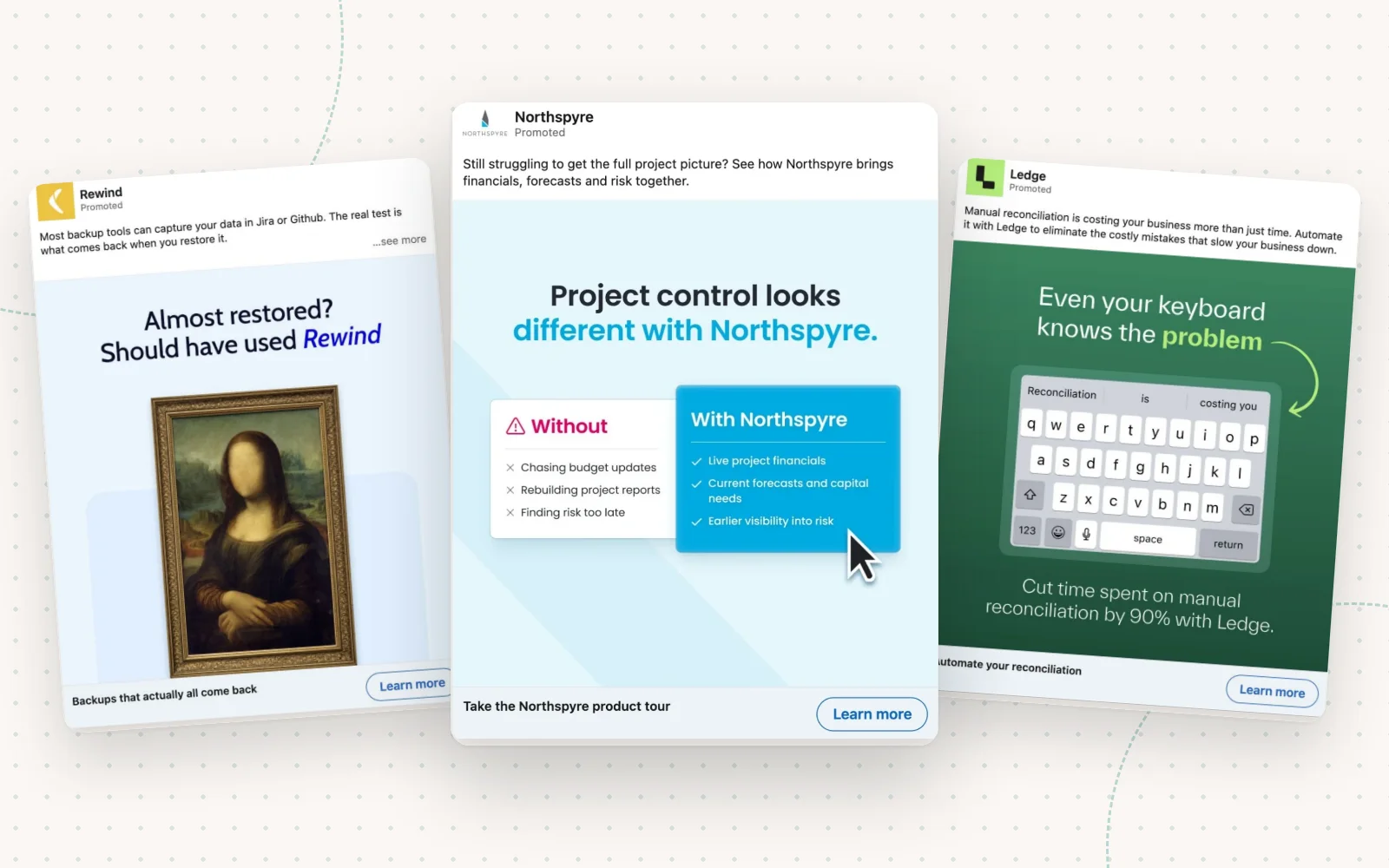
LinkedIn Ads
How to make B2B ads for paid social that don’t suck
Most social ads get scrolled past because they’re boring. Create a clear problem story and use these techniques to make your ads, and you won’t be ignored.
Joseph Hill5 min read
Landing Pages
How to 2x your CVR on Google with a tour
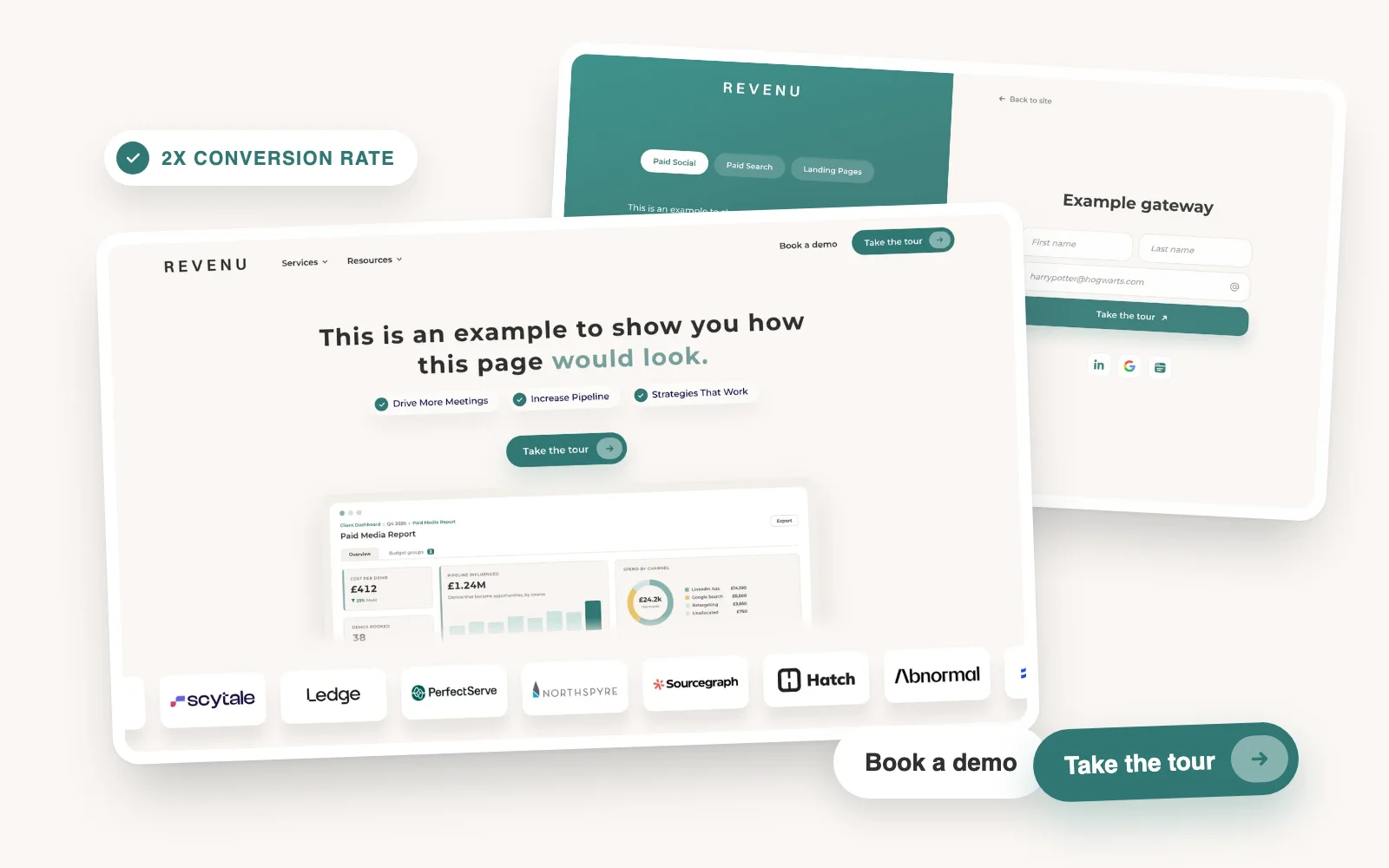
Most Google landing pages only have a Book a demo button. Add a product tour as a second way to convert and the page can double its conversion rate.
Joseph Hill5 min read
Google Ads
How to run experiments in Google Ads
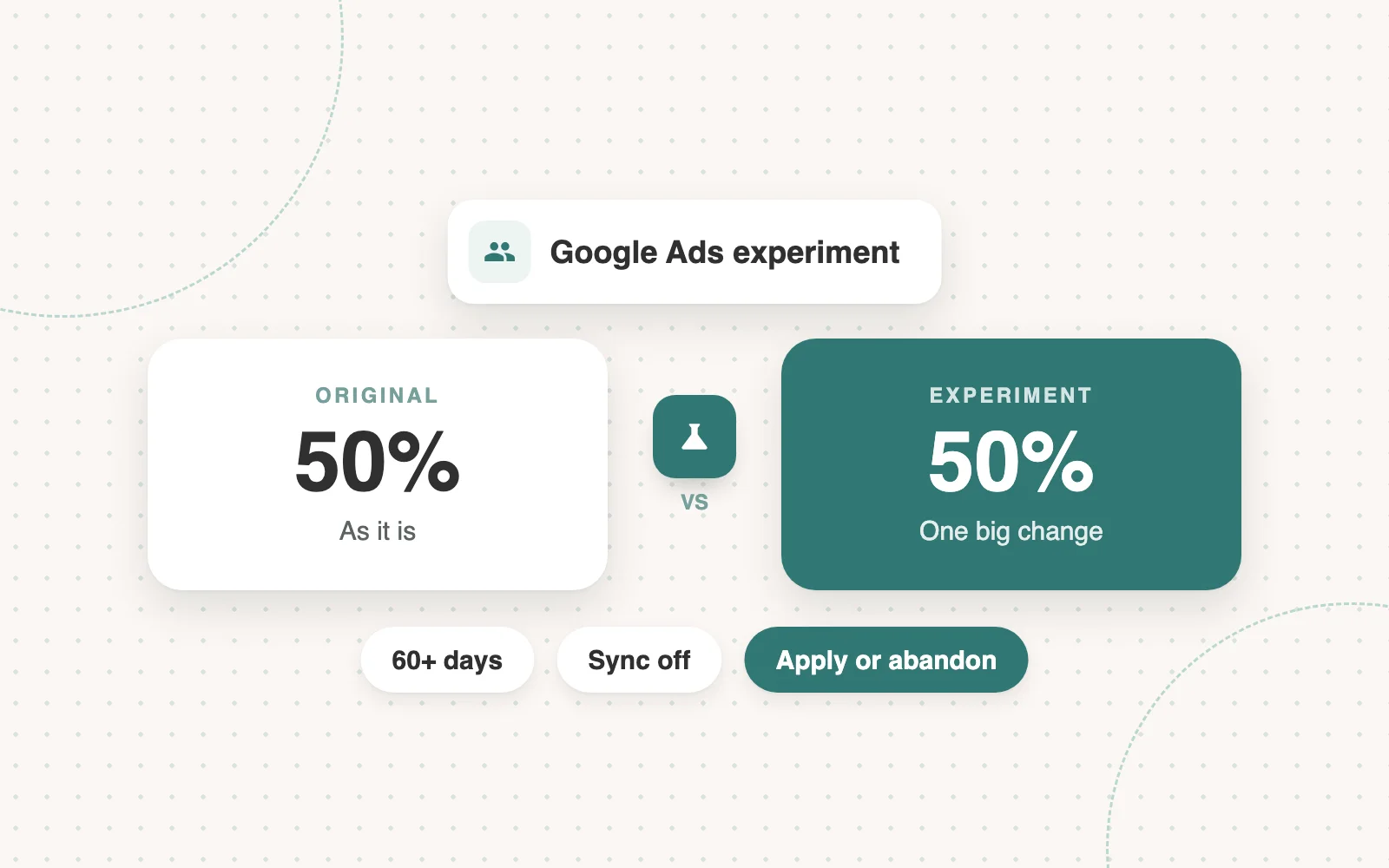
Google Ads experiments are for big changes: a different landing page or a different way of optimising. Most of ours test two landing pages. Here’s when to run one and how.
 Jimmy Millard4 min read