How to run experiments in Google Ads
Google Ads experiments are for big changes: a different landing page or a different way of optimising. Most of ours test two landing pages. Here’s when to run one and how.

The short answer
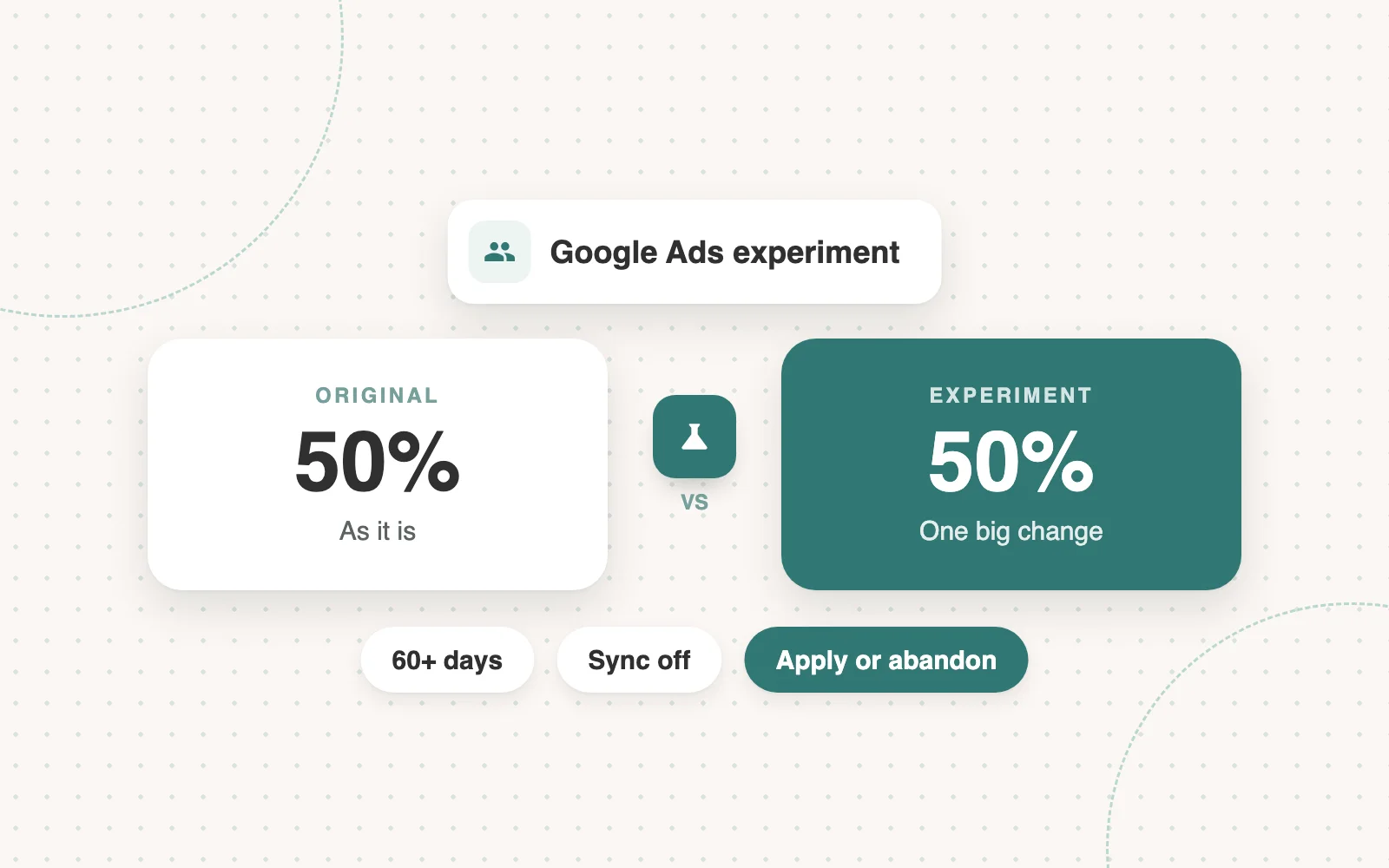
A Google Ads experiment takes one of your campaigns and runs a second version of it alongside the original, with the traffic split between the two. The second version carries one big, meaningful change. Both run in the same auctions over the same period, so you can see exactly what that change did, then apply it or abandon it.
Use it for big changes only: a different landing page or a different way of optimising. Most of ours test two landing pages, because the page is the main lever on conversion rate.
What an experiment is for
Swap a landing page and leads go up the next month, but you don’t know if it was the page, the season, a competitor pausing or luck. An experiment takes the guesswork out: the only difference between the two campaigns is the thing you changed.
An example: test Book a demo against Take the tour
The original is a one-field booker: Book a demo is the only thing the page asks for. The experiment is the same page with Take the tour as the primary call to action, a completely different conversion action. Same campaign, same keywords, same ads, a 50/50 split. Whichever wins, you know why.
Test big changes, not small ones
Don’t test for the sake of it. An experiment is for a change big enough to be worth proving before it goes everywhere: a new landing page, or a different way of optimising, such as maximise conversions against target CPA, a different conversion action, or maximise conversion value.
A different ad isn’t big enough. You can have three ads live in an ad group, which is enough to test three different ads against each other without running an experiment. Google’s asset reports and a headline report already show which headlines and descriptions win, with nothing split.
Every split gives Google less data
Every experiment is a new campaign, and every split halves the data each campaign learns from. The more volume behind the metric you optimise towards, the better the algorithm performs, on Google and on every other platform.
Only pay that price for a change worth proving. That’s why you don’t run many tests, and why you pick them carefully.
How to create a Google experiment
In the client’s Google Ads account we go to Experiments, create a custom experiment for Search and pick the original campaign. Add a suffix like ‘- [Test Name]’ to the end of the name, copy the new campaign ID, and update the UTM tracking in the campaign settings with the new name and ID.
How to set up a landing page test
We swap the final URL on the experiment’s ads: ad group by ad group if each has its own page, all at once if not. Editing ads can strip their ad labels, so reapply them if needed and check the final URLs.
How to set up a conversion objective test
If you want to test a different conversion setup, go into the experiment campaign and change the settings: the conversion objective, and any of the goals you need to adjust. For example, you may be optimising to a booked demo, an SQL and an opportunity at the same time, so you’d change the objective and also the primary conversions for that campaign.
The schedule settings we always use
Every experiment gets the same settings unless the client asks for something different.
- A 50% split, so both versions get an equal share of the traffic.
- 60+ day duration, so you can end it when you want, and it won’t end too early.
- Sync turned off, so changes to the original don’t copy across.
- Always update UTMs so you know in your CRM what the test drove.
Set the end date long, then end it early
Every experiment needs a start date and an end date, and once it’s running you can end it early but you can’t extend it. So set the end date two to three months out and end it the moment the data is clear. Set it short and let it lapse, and you’re building the whole experiment again.
Checks before it goes live
A setup mistake wastes the test. Always make sure to check:
- Every ad group has the correct landing page.
- All ad labels are back on.
- Every UTM is updated and correct.
- Keyword match types are right.
- Bidding strategies are right.
- The correct broad match negative keyword lists are applied.
The takeaway
Experiments are for big changes: a different landing page or a different way of optimising. Split the traffic 50/50, track it properly, set the end date long and end it early, then apply or abandon on the numbers.
In this article
- The short answer
- What an experiment is for
- An example: test Book a demo against Take the tour
- Test big changes, not small ones
- Every split gives Google less data
- How to create a Google experiment
- How to set up a landing page test
- How to set up a conversion objective test
- The schedule settings we always use
- Set the end date long, then end it early
- Checks before it goes live
- The takeaway
- Drive More Meetings
- Increase Pipeline
- Strategies That Work
We run LinkedIn and Google Ads for B2B brands, and we’re good at it.

More articles
Back to blog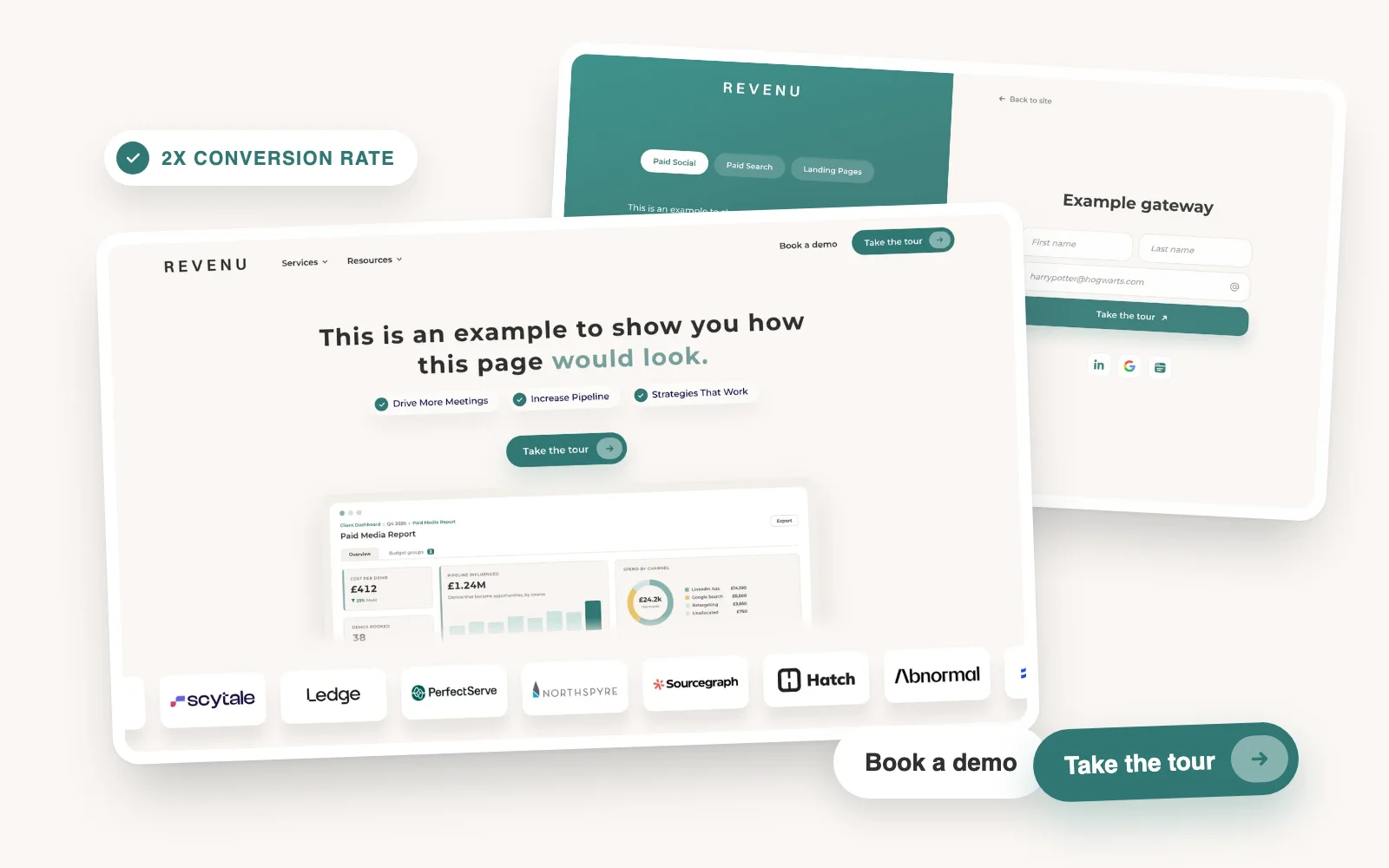
Landing Pages
How to 2x your CVR on Google with a tour
Most Google landing pages only have a Book a demo button. Add a product tour as a second way to convert and the page can double its conversion rate.
 Joseph Hill5 min read