How to build LinkedIn conversation ads that book meetings
A conversation ad is a message, not a banner. Open on a problem, show the fix, give them a reason to book, and build every button before it goes live.

The short answer
A conversation ad lands in someone’s LinkedIn inbox as a message with buttons. It’s the closest thing LinkedIn has to a sales email, and it books more meetings than any other format when you treat it like one.
The ones that work do three things in order. They name a problem the reader already has, show how you solve it, then give them a reason to book now. The rest is build discipline: every button goes somewhere, every first name pulls through, and nothing goes live until it’s been read twice.
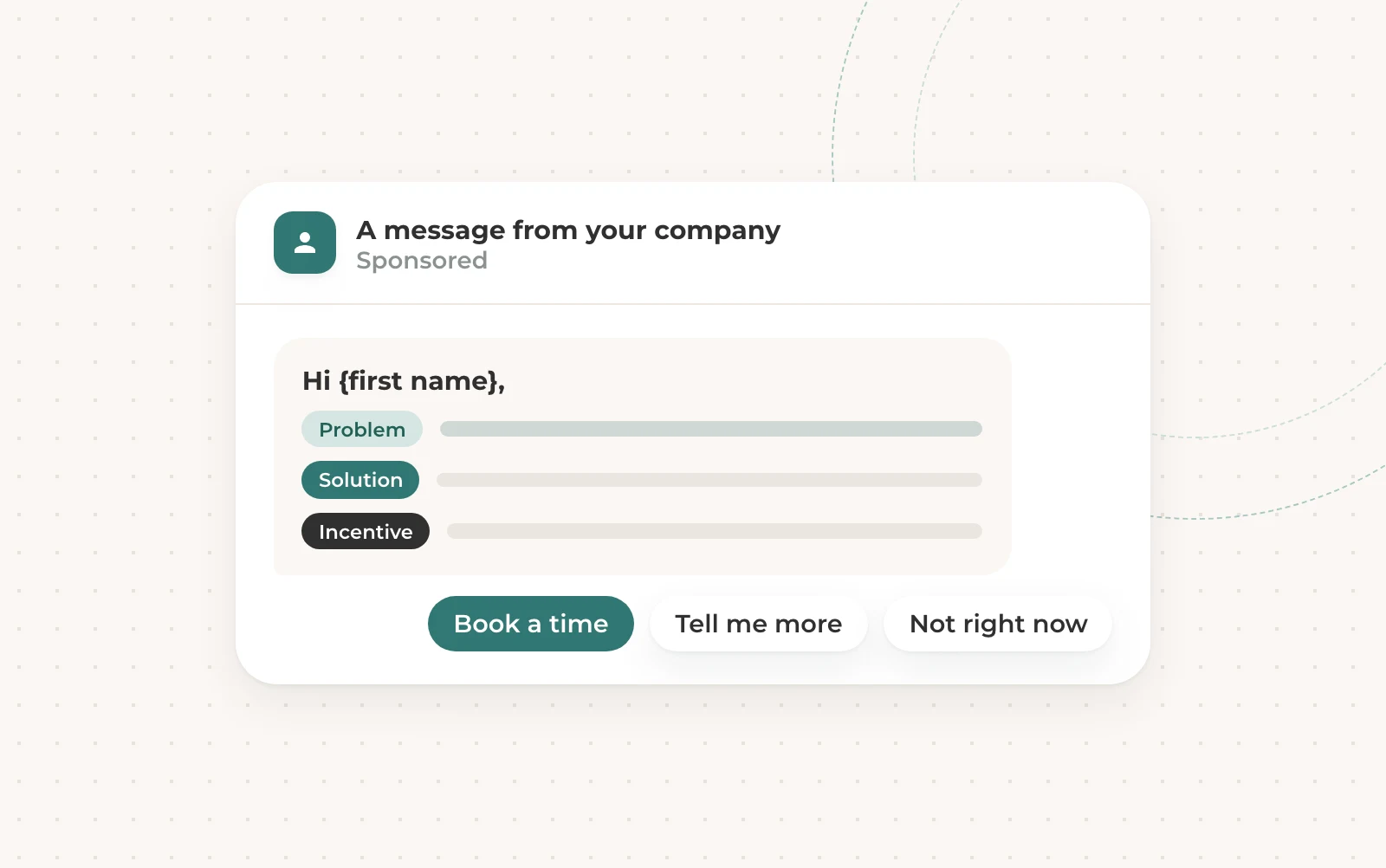
Problem, solution, incentive
This is the whole formula. Open with the problem, in a line the reader might say about their own week. Give the solution in the next sentence, in plain words, without a feature list.
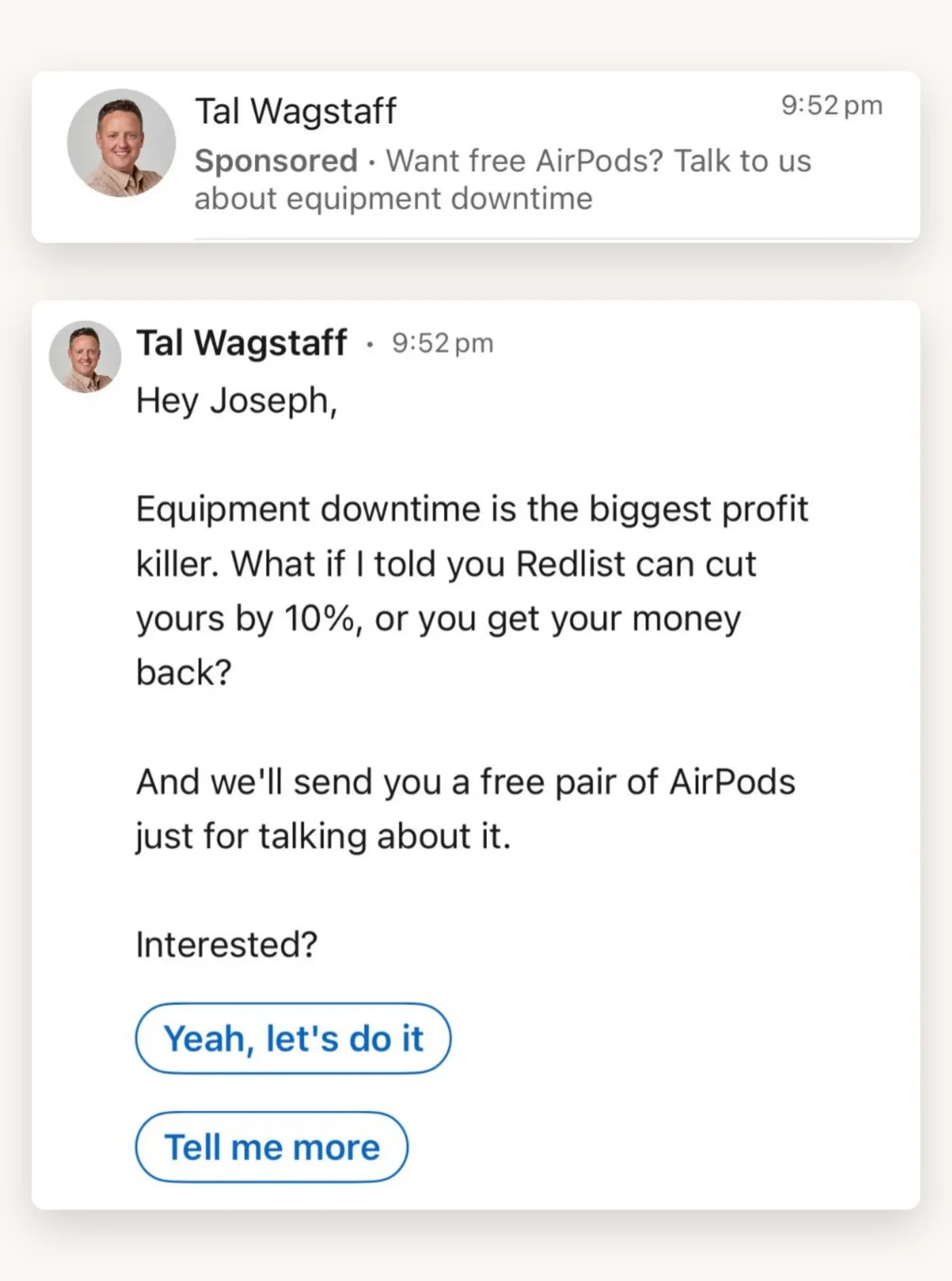
Then the incentive. A meeting costs the reader half an hour, so give them something for it. A guarantee takes the risk away, and a pair of AirPods or lunch on you makes saying yes easy. It has to be something the client can genuinely offer, or the meeting starts with a lie.
The subject line gets it opened
Most people only ever see the first line of your ad: the preview in the inbox. If that line is boring, nothing else you wrote matters.
Three things get a conversation ad opened. Say something extreme, tap into a pain they feel, or offer something for free. These are real subject lines from our library, and every one of them does one of those three.
Four scripts we come back to
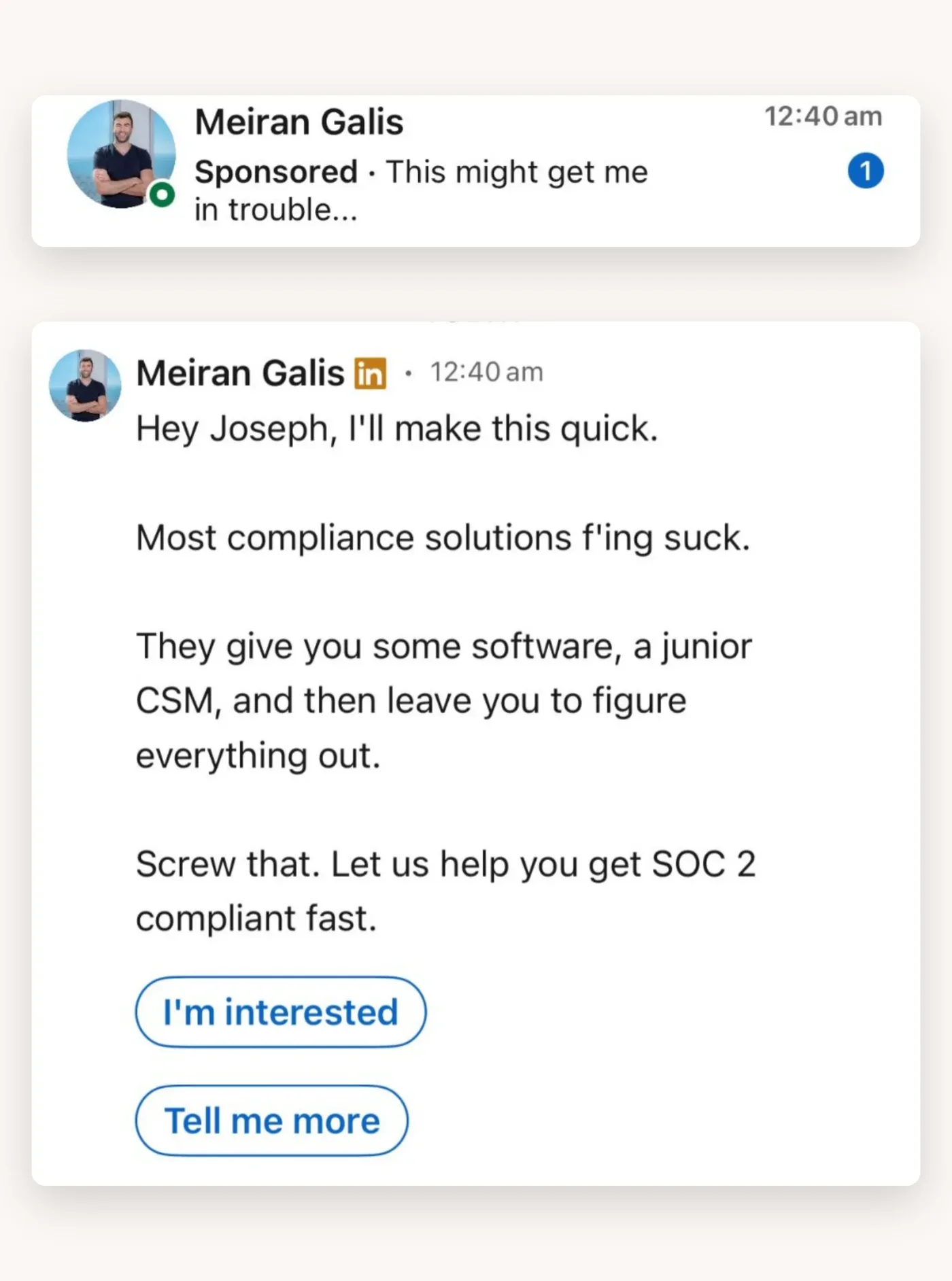
You don’t need a new idea for every campaign. The same few scripts keep working, because they’re built on the formula above. Here are four from our library. Click one to open it.
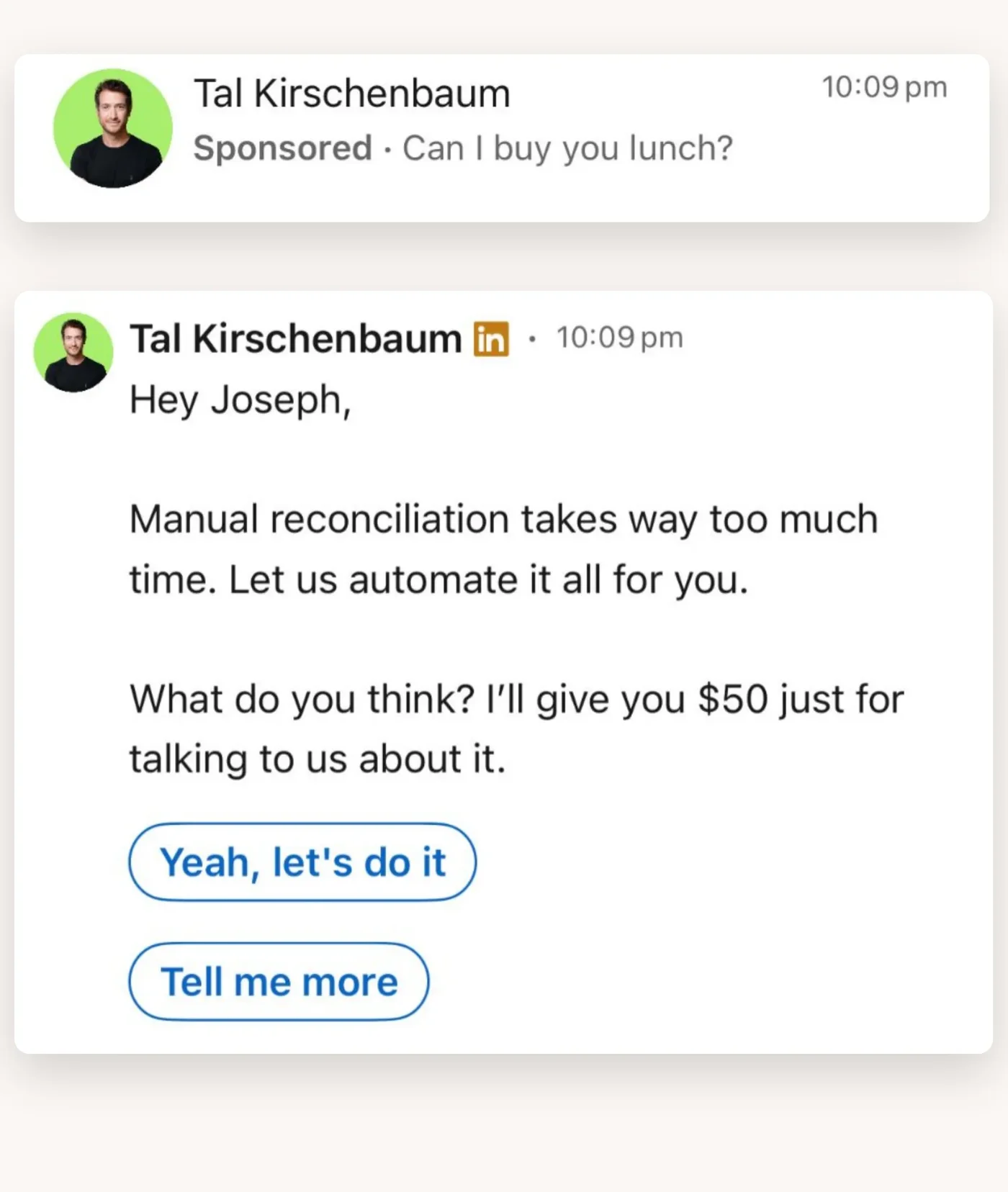
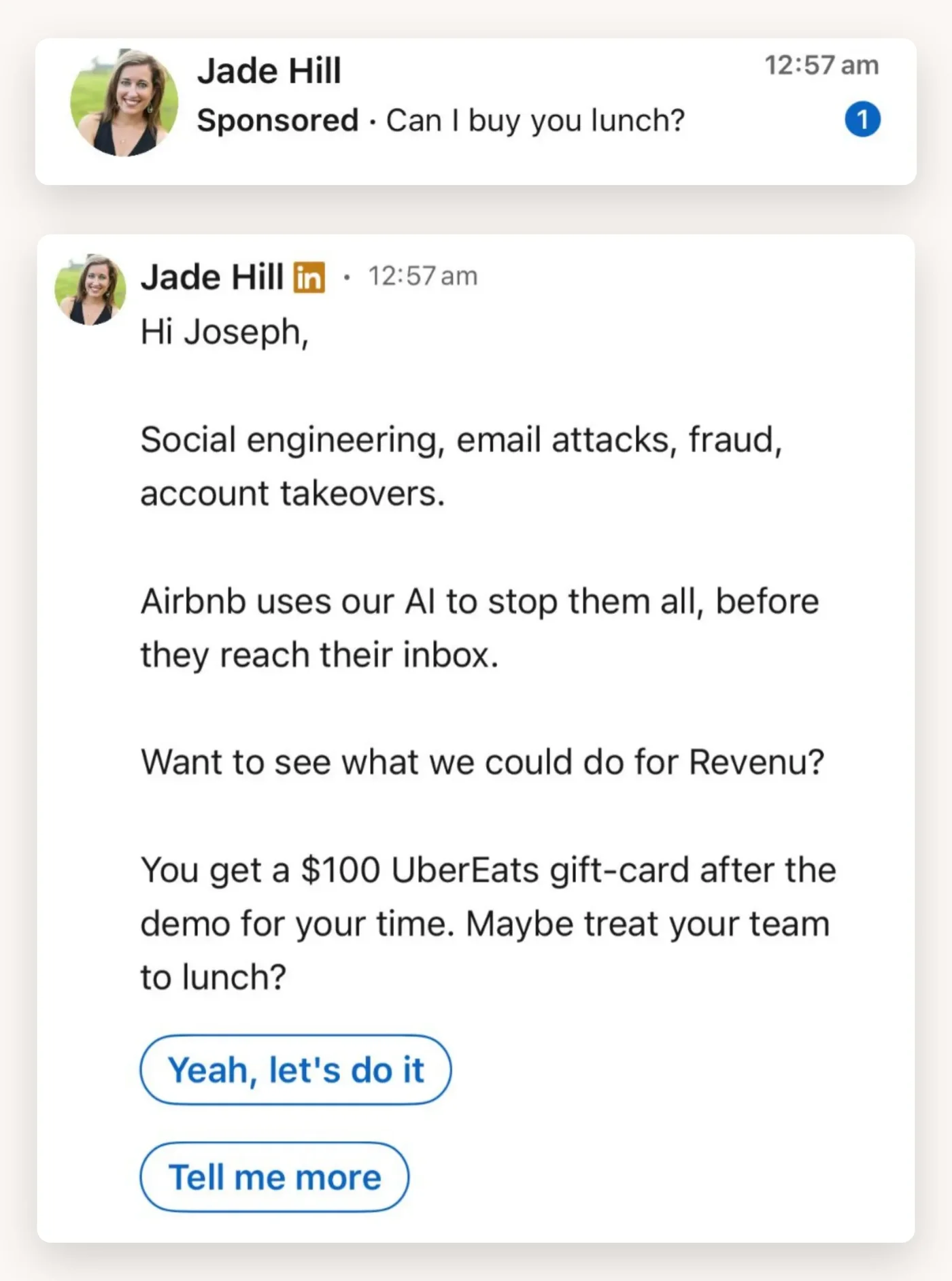
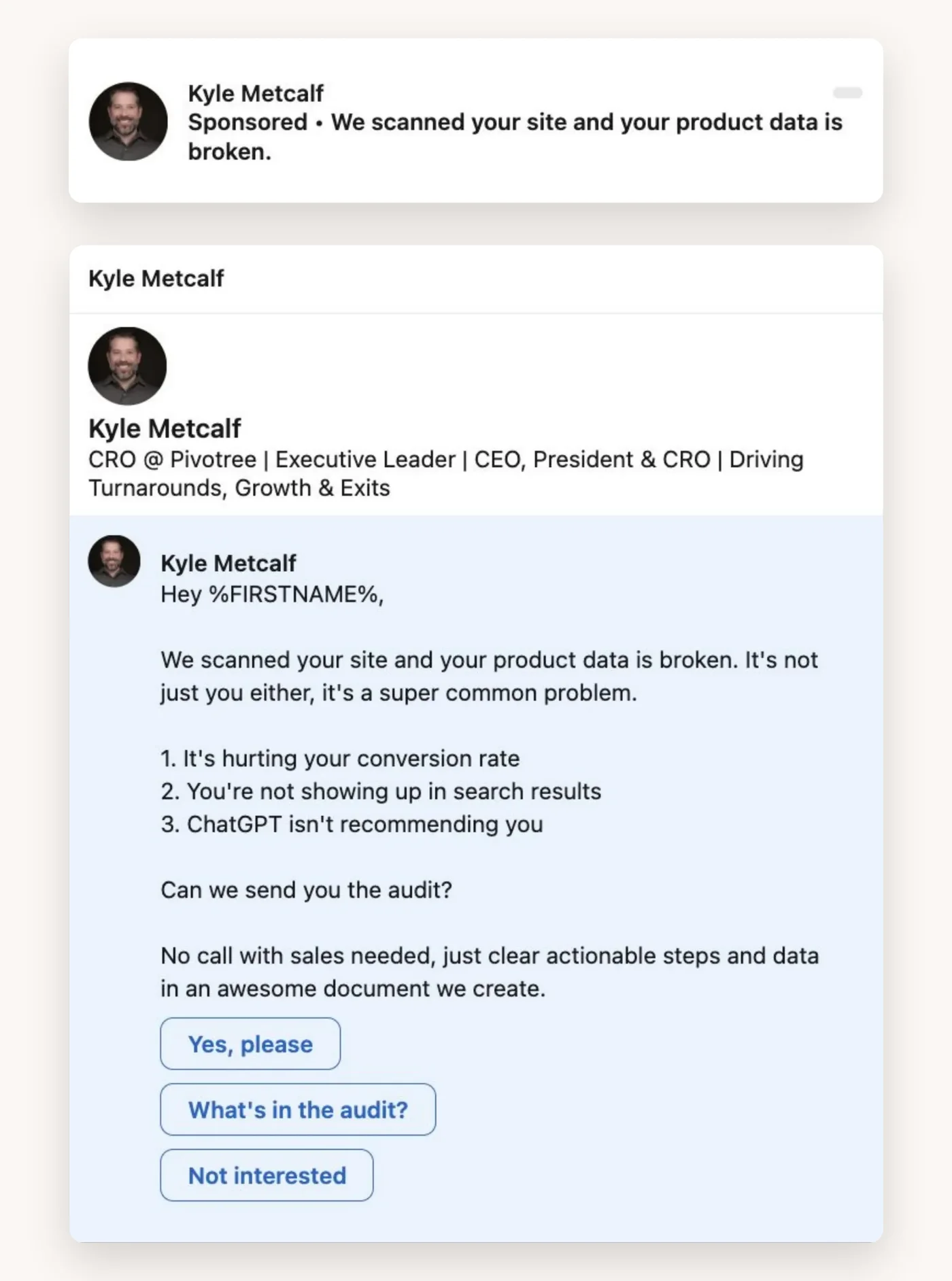
- Lunch: name the problem, offer to fix it, and buy them lunch for the chat.
- Profanity: say what everyone thinks about the category, then show you’re different.
- Social proof: open with the companies they already respect, then the question.
- The audit: tell them something about their own business, and offer the full picture with no sales call attached.
Keep it short and push them to a meeting
A conversation ad is not a landing page. Nobody reads six paragraphs in their inbox, so don’t write them.
Call out what they’ve been doing, set the scene, name the problem in three short lines, then one clear call to action. Give me 30 minutes and I’ll show you what good looks like. That’s the whole message.
Send it from a person, not a page
A message from a company page reads like spam. A message from a founder who’s been showing up in your feed reads like a message.
So we pair them. Thought leader ads from the founder build an audience that already knows the face. Then the conversation ad goes out from that same person to the people who engaged. The open rate is completely different when the name is familiar.
Build every branch, not just the happy path
Every button the reader can press needs somewhere sensible to go. ‘Tell me more’ deserves a second message that earns the meeting, usually a case study. ‘Not right now’ deserves a polite close that leaves the door open, not a dead end.
We build the first ad in full, check every branch, then duplicate it for the next one. There are fewer ways to break something that already works.
Then we check every dynamic field. If the message opens with the reader’s first name, the name has to pull through on every message in the chain. A broken merge field in a personal message reads as spam straight away.
Decide where the meeting gets booked
The last button ends on a LinkedIn lead gen form, a calendar or a landing page, and that choice changes how you build the ad.
A native lead gen form converts more people than anything else, because LinkedIn fills it in for them. Put a calendar at the end of that form and more of those leads turn into meetings. Sending them straight to a calendar gets the fewest leads, but the lowest cost per meeting, because everyone who converts has already picked a time.
- Lead gen form: the form’s thank you message overwrites the one in the ad, so write it on the form.
- Landing page: the thank you message has to go into the ad when it’s created, so it matches the page.
This is the part most likely to change before launch. So every conversation ad is saved as a draft on the first build. If the client swaps the form or reworks the landing page before approval, nothing has gone out with the old version.
The checks before anything goes live
Conversation ads have more moving parts than an image ad, so they get a longer checklist. Every ad also gets a name that says what it is, and a label that groups the set, so you can find it again in three months.
- Every link that isn’t the landing page goes where it should.
- Every button’s call to action is right, and has been read twice.
- Nothing pasted in from the planner still has quote marks at the start and end.
- First names pull through on every message.
- Each ad follows the naming: campaign, visual, channel code, variation.
- Every ad in the set carries the same label, so they stay grouped.
The quote marks one sounds petty. It’s easy to miss when copy moves from a planner into Campaign Manager, and it looks careless in someone’s inbox.
Judge them on meetings, not opens
Open rates are nice. Meetings pay the bills. The naming lets us group every conversation ad as one formula in the creative report, so we can see what they cost and what they booked against image ads, video and the rest.
And because every lead gets marked good, unsure or bad each week, we know which conversation ads bring in the people the client actually wants to meet. A full calendar of the wrong people isn’t a win. Before the next round, we look at which scripts booked good meetings and write from those.
The takeaway
Open on their problem, show the fix, give them a reason to book, and send it from a person they recognise. Build every branch, decide where the meeting gets booked, and read the whole thing twice before it goes live. Then judge each ad on the meetings it books and the quality of the people behind them.
In this article
- The short answer
- Problem, solution, incentive
- The subject line gets it opened
- Four scripts we come back to
- Keep it short and push them to a meeting
- Send it from a person, not a page
- Build every branch, not just the happy path
- Decide where the meeting gets booked
- The checks before anything goes live
- Judge them on meetings, not opens
- The takeaway
- Drive More Meetings
- Increase Pipeline
- Strategies That Work
We run LinkedIn and Google Ads for B2B brands, and we’re good at it.
More articles
Back to blog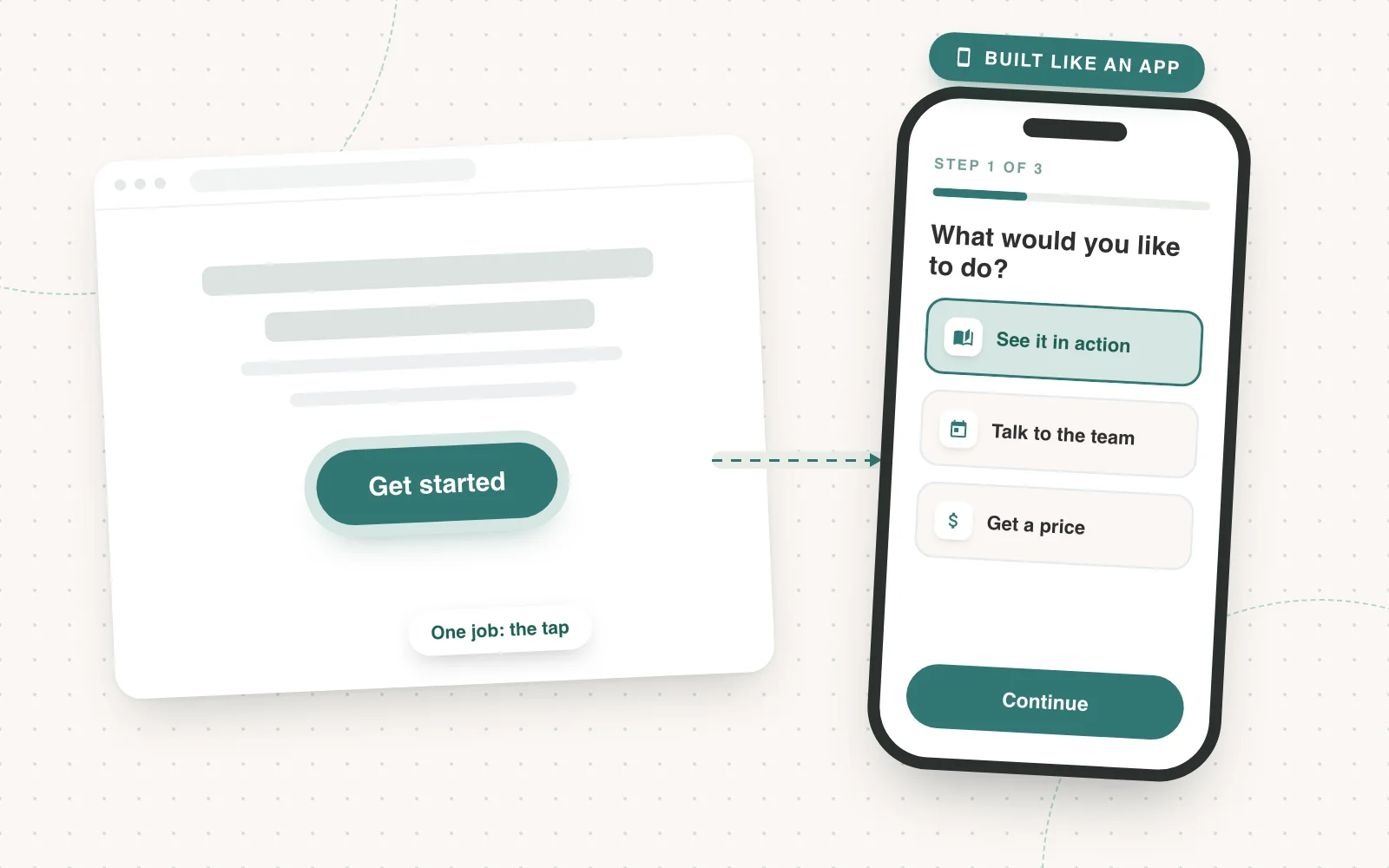
Landing Pages
Creating experiences that drive up conversion rate
Slapping a form on a landing page isn’t optimising for conversion. Build an experience people want to go through, starting on the phone.
Joseph Hill4 min read
LinkedIn Ads
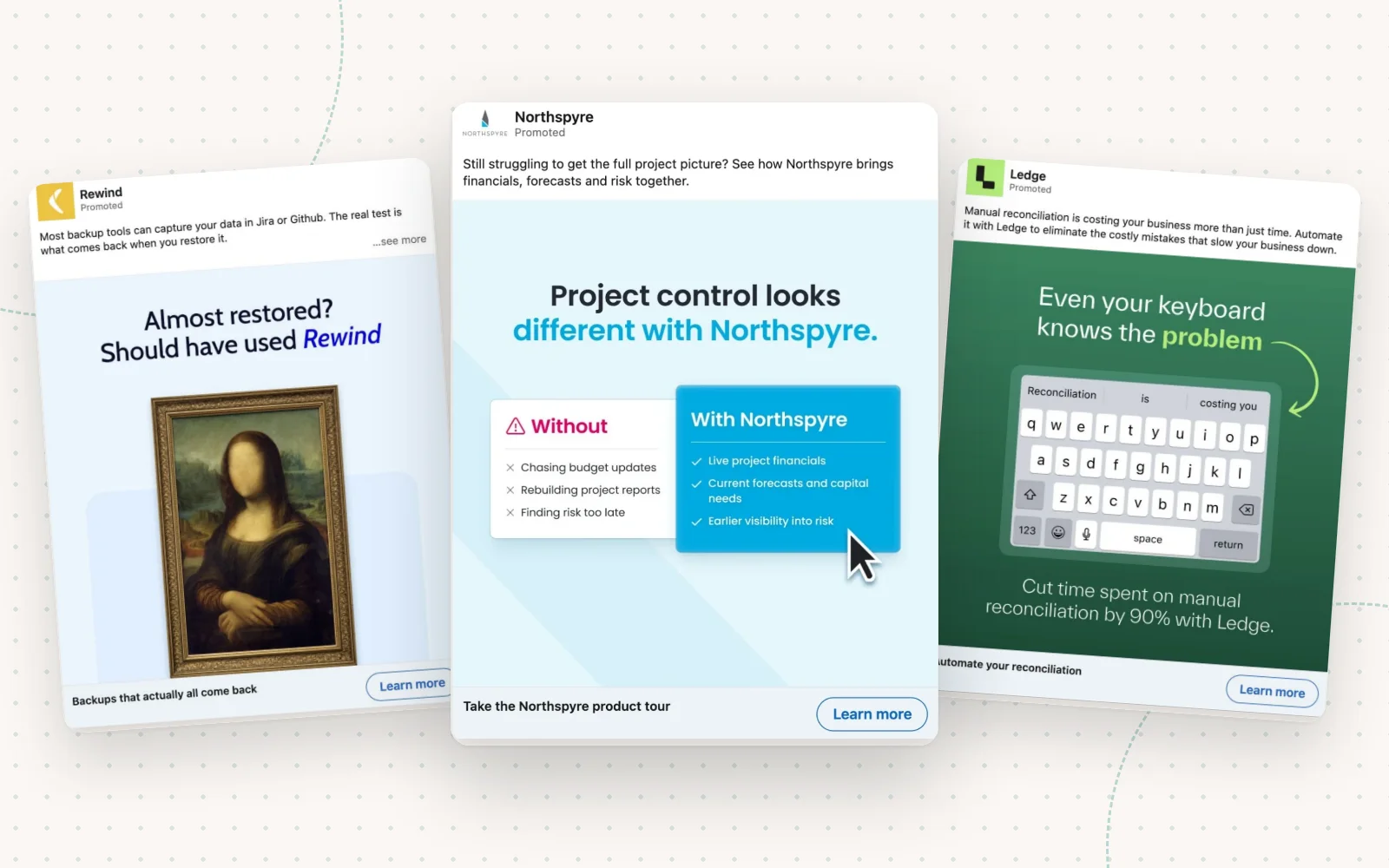
How to make B2B ads for paid social that don’t suck
Most social ads get scrolled past because they’re boring. Create a clear problem story and use these techniques to make your ads, and you won’t be ignored.
Joseph Hill5 min read
LinkedIn Ads
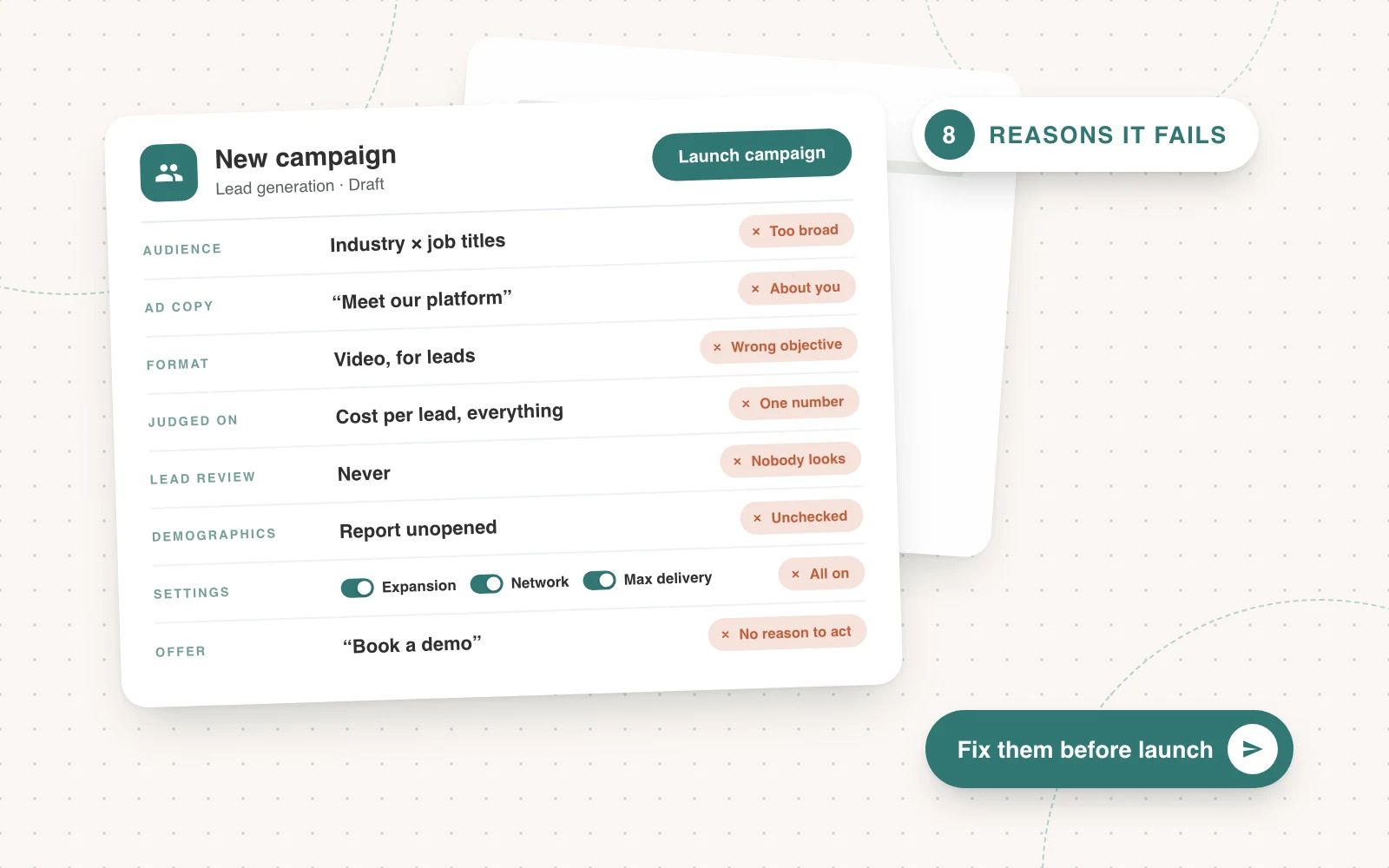
8 reasons why most LinkedIn campaigns fail before they even start
Most LinkedIn campaigns fail before they even start: the audience is too broad, the ad is about you, and every campaign is judged on one number.
Joseph Hill5 min read